
مشاوره محصول
آدرس ایمیل شما منتشر نخواهد شد. فیلدهای الزامی مشخص شده اند *

You sit down to start a busy workday, and within a couple of hours you feel a dull ache between your shoulder blades or along your forearms. The culprit is often not your keyboard angle, but the armrests on your office chair. They are either missing, too low, too far forward, or simply impossible to adjust to your body. When armrests do not match your workspace, your shoulders rise, your elbows drift outward, and your wrists bend in unnatural ways.
The conclusion is straightforward: a well-designed arm rest office chair can reduce muscular strain, improve circulation, and keep you sitting longer without discomfort. But the hard part is separating useful features from marketing noise. In practice, the value of armrests depends on three things: the range of adjustability, the materials, and how well the chair fits the user's frame and desk height.
Core insight: An armrest that cannot be lowered to match your desk, or one that sits too far forward, is worse than no armrest at all. The correct armrest supports your elbow and forearm at a 90-degree angle, keeping your shoulders relaxed and your wrists straight.
This article explains the mechanics behind armrest design, compares adjustability grades, examines hidden indicators such as elbow pressure and shoulder muscle load, and gives a practical buying path for selecting arm rest office chair models in a wholesale or project context.
Armrests are not just a resting place for your elbows. In a seated posture, your upper body weight transfers through the thighs and pelvis. Without arm support, that load travels up to your shoulders and neck, especially when you lean forward to type. Armrests bridge the gap between your seat and your work surface, offering a third point of support that stabilises your torso.
1. Posture stabilisation
When your forearms are supported, your thoracic spine stays upright, and you are less likely to slouch forward. This prevents the rounded-shoulder posture that often leads to neck pain.
2. Muscle load reduction
The trapezius and deltoid muscles work harder when your elbow is unsupported. A correctly placed armrest lowers the effort required to keep your arms in position, reducing shoulder fatigue.
3. Wrist alignment
With the forearm supported, the wrist stays in a neutral position, reducing the risk of tendon strain in the forearm and hand.
Not all armrests offer the same range of motion. In a wholesale or project environment, the adjustability grade directly affects how many users can be satisfied with one chair model.
A practical example is an executive office chair with 4D armrests: the armrest can be raised, moved forward and back, pivoted inward/outward, and sometimes tilted. This flexibility matters when one chair serves different employees or shared spaces.
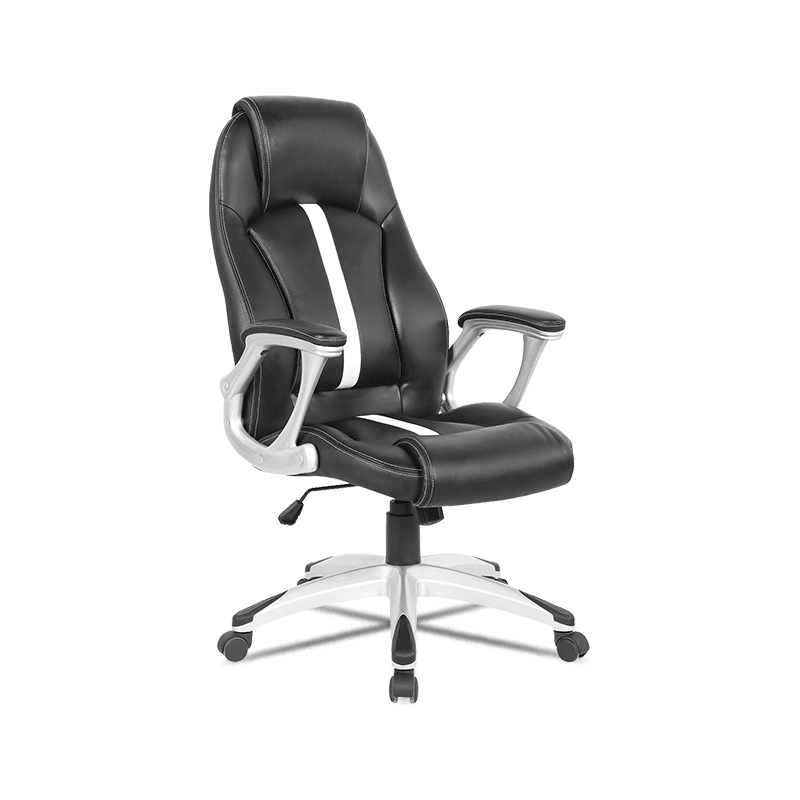 Ergonomic High Back Executive Office Chair with 4D Armrests and Lumbar Support This executive chair features 4D adjustable armrests and a lumbar cushion, making it a flexible choice for shared spaces where different users need customized comfort. View Product →
 The table below compares four armrest types across the practical criteria that matter when you are choosing an arm rest office chair for a team or a home office.
Comparison based on typical user ranges in office and home-office environments. Values are relative indicators for planning purposes.
While a chair spec sheet can tell you whether armrests are adjustable, it rarely shows the biomechanical effect. The chart below illustrates the relative shoulder muscle activity for three common armrest positions during a typing task.
No armrest
Fixed height
4D adjusted
A 4D adjustable armrest allows the user to place the forearm exactly at table height, which reduces static muscle contraction in the shoulders by more than half compared with no armrest. This does not appear in a standard product photo, so it is worth asking potential suppliers about the actual range of armrest movement before bulk buying.
For an arm rest office chair intended for a wide range of users, a 4D or at least 3D armrest system is the safest choice. It ensures that different heights and arm lengths can still find a neutral posture, which lowers the risk of complaints and returns in a commercial setting.
Different settings assign different priorities to armrests. Here is a rough industry breakdown based on common project requirements:
When you source arm rest office chair models for a mixed portfolio, choose a base model with 3D armrests and offer a 4D version as an upgrade. This covers most projects without excessive inventory.
Instead of looking at a price tag first, start with the user. The following five-step path is used by project buyers and facility managers to select office chairs with armrests that actually work.
Measure the desk
Record table height and depth to know the armrest height range needed.
Check user range
Define the shortest and tallest users to decide between 2D, 3D, or 4D armrests.
Verify movement range
Ask the supplier for the mm range of height and depth adjustment, not just "adjustable."
Test the pad
Check foam density and cover material for long-term durability.
Plan the mix
Combine 3D armrest chairs for general desks and 4D for executive or multi-user stations.
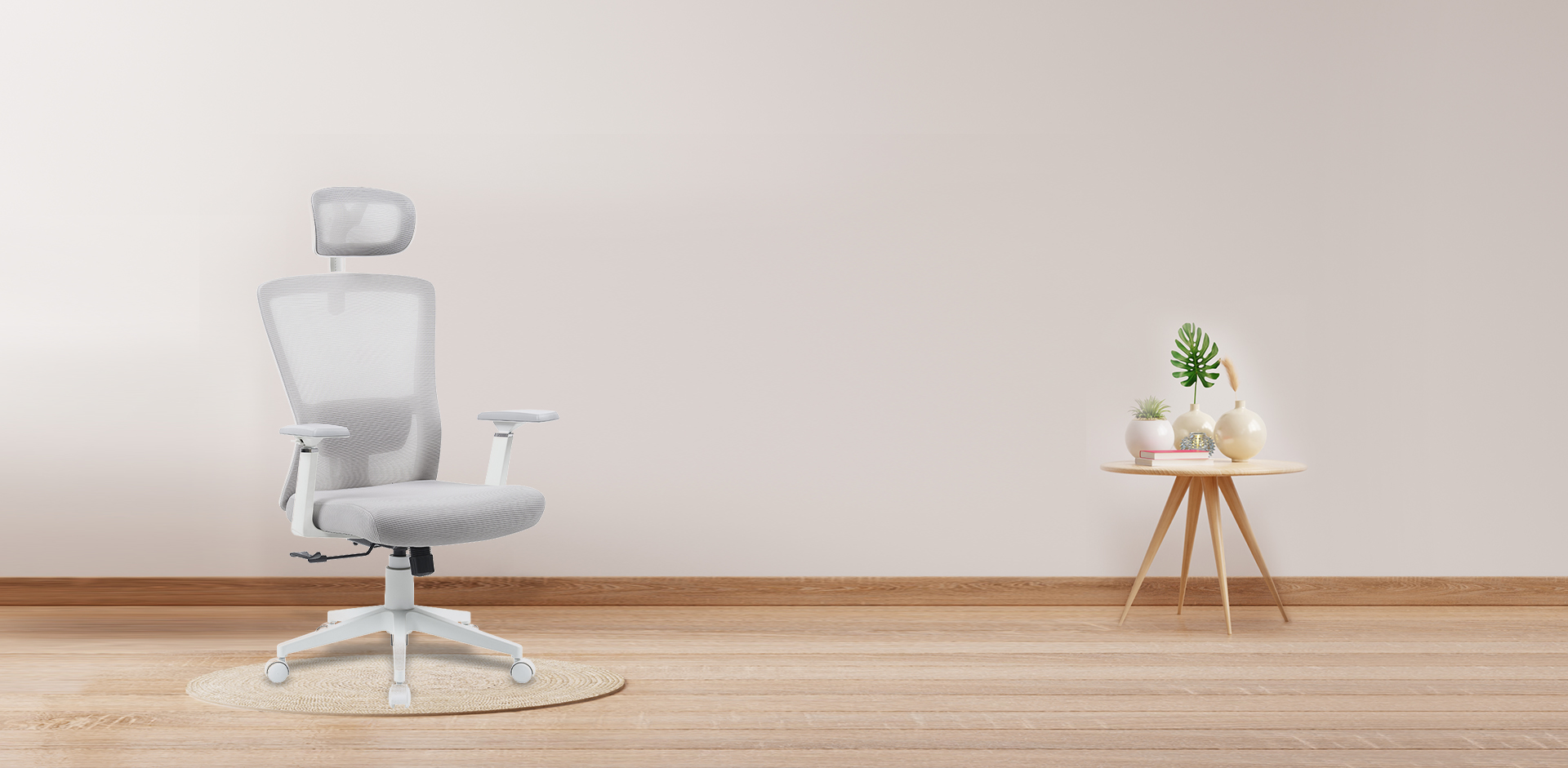
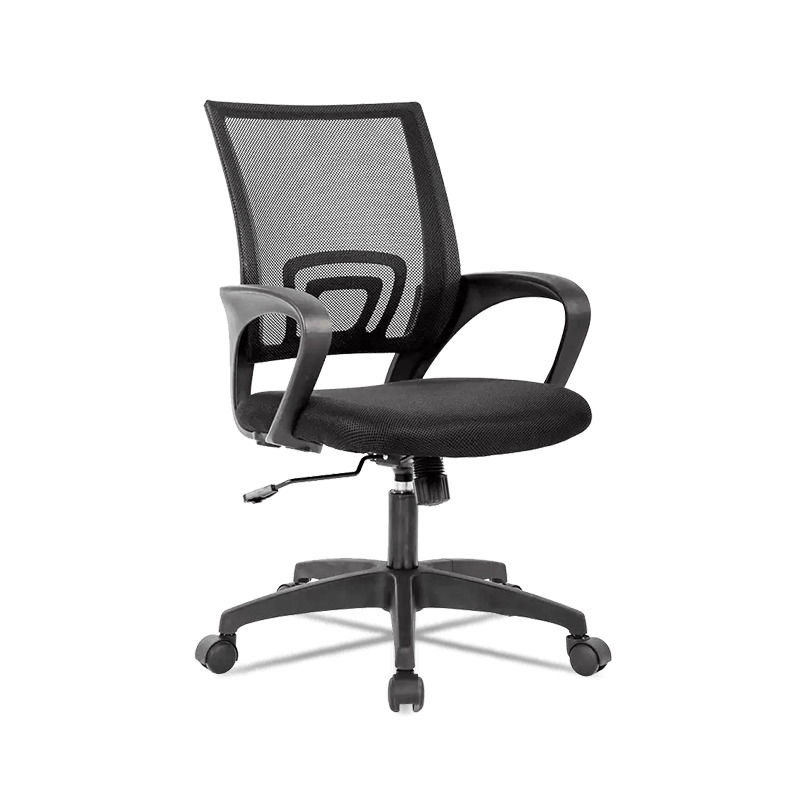 Adjustable Mid Back Mesh Office Chair with Lumbar Support A mid-back mesh chair with 3D armrests offers reliable height and front-back adjustment, serving as a practical baseline for general workstation tasks. View Product →
 For a mesh-back office chair model that covers most workstation tasks, a 3D armrest with height and front-back adjustment is a reliable baseline. If you are setting up a conference or executive room, a high-back chair with 4D armrests and a lumbar cushion will be more beneficial. For a deeper look at chair structure and how adjustment mechanisms work, refer to our article on choosing office chairs .
A well-built arm rest office chair can serve for years, but armrests are the most frequently touched component. In a workplace or commercial setting, they also collect dirt and wear faster than the seat. Here are the maintenance points that keep the armrests functioning and the chair compliant with basic occupational safety expectations.
In terms of compliance, many office ergonomic guidelines recommend that the armrest be adjustable within 20-28 cm of the seat surface, depending on user height. While not legally binding in most regions, following these values reduces liability in workplace setups. If you are buying for an office or institution, ask your supplier to provide test reports or at least a detailed spec sheet for the armrest load capacity and the cylinder height range.
Finally, when the armrest is adjustable in multiple directions, make sure every user understands how to operate the levers. A chair with a great feature set is useless if no one knows how to use it. Signage or a short onboarding note can dramatically reduce premature returns.
Can Sitting in an Office Chair Cause Hemorrhoids? Pressure, Risks & Fixes
Aug 24,2026Best Posture Tips for Remote Work: Optimize Your Ergonomic Home Office Setup
Sep 07,2026آدرس ایمیل شما منتشر نخواهد شد. فیلدهای الزامی مشخص شده اند *
حق چاپ © شرکت مبلمان آنجی مینگچوانگ، با مسئولیت محدود تمامی حقوق محفوظ است.
عمده فروشی کارخانه صندلی خانگی
